Craft Vendor Application Template
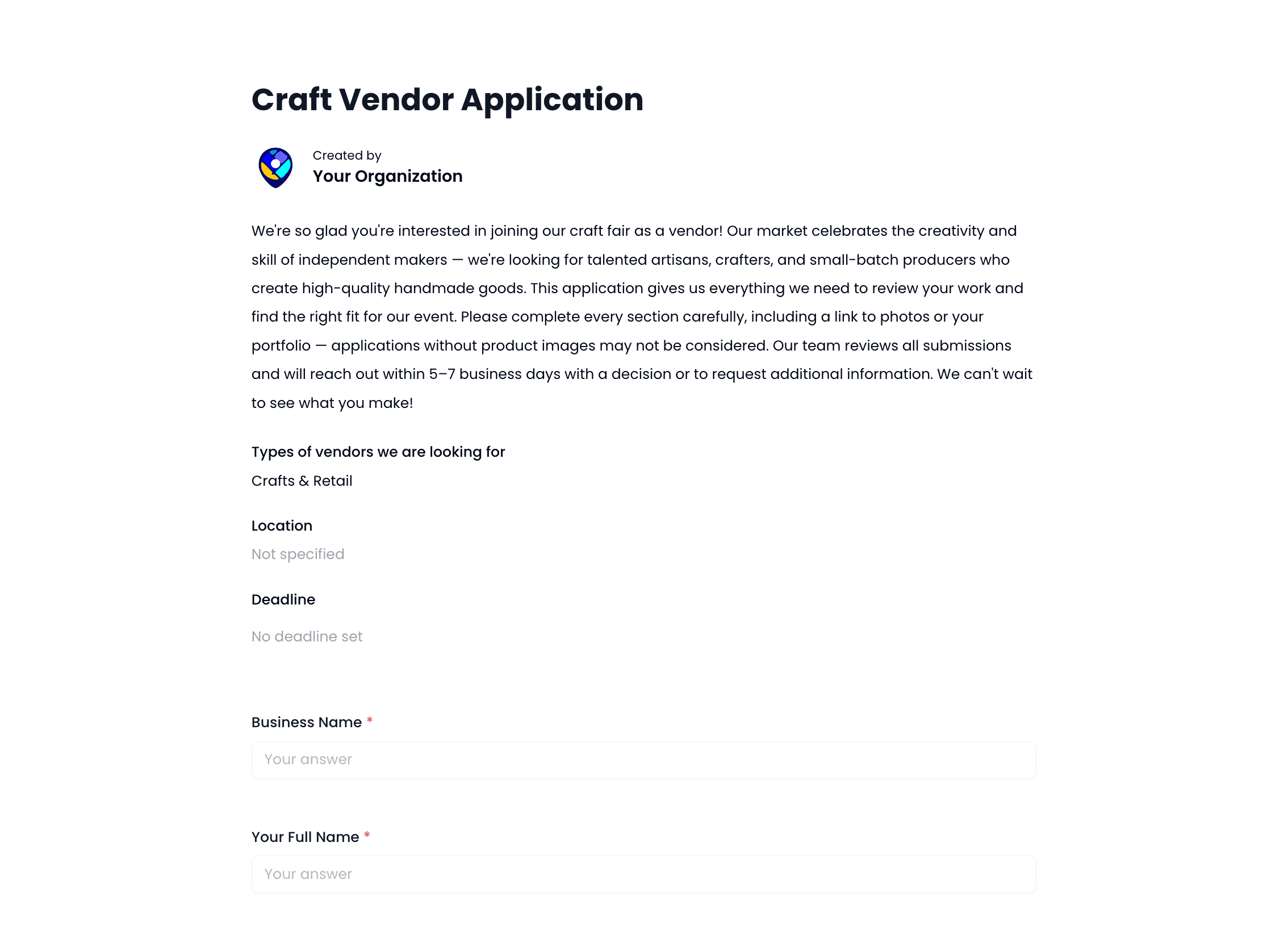
- Fully customizable fields
- Collect booth payments
- Automated email notifications
- No coding required
How to Create a Vendor Application for Your Craft Market
A good vendor application does two things: it collects the information you actually need, and it filters out applicants who are not a fit for your market. Getting that balance right saves you a lot of back and forth.
What to Include in Your Craft Market Vendor Application
At a minimum, your application should ask for the vendor's business name, what they sell, and product photos. Photos matter most. You need to see the actual work before you can make a good decision about product mix and market fit.
Beyond the basics, consider asking for booth size preference, whether they need electricity, and if they carry liability insurance. These details affect your layout and your liability, so it's better to collect them upfront than chase vendors down later.
How to Collect Booth Fees with Your Application
Asking for payment at the time of application is the cleaner approach. It reduces no-shows and confirms the vendor is serious. The downside is refund management if you reject an applicant, so make sure your refund policy is spelled out clearly in the form.
Marketlly lets you attach Stripe-powered payments directly to your vendor application. Accepted vendors pay their booth fee as part of the process. No separate invoices, no chasing payment after the fact.
Looking for more options? Browse all craft fair vendor application template to find the right fit for your market.